
Set up your Makerere University semester without entering every detail by hand.
Orch can use Makerere University details when they help: your college, school, programme, course units, MUELE courses, and timetable group. After that, files and dates have somewhere sensible to land.
- Start from Makerere University's structure: colleges, schools, programmes, years, semesters, and course units.
- Add the units you are taking, then let Orch create practical folders for notes, assignments, past papers, reports, and other course files.
- Connect MUELE to bring course materials and assignment dates closer to the files you already keep on your laptop.
- Pick your timetable group, such as a lecture or lab stream, so classes, tests, and exams can show up in Orch when the timetable is available.
- If a course unit, group, or file name is unclear, Orch lets you add it yourself or review the file before it moves.
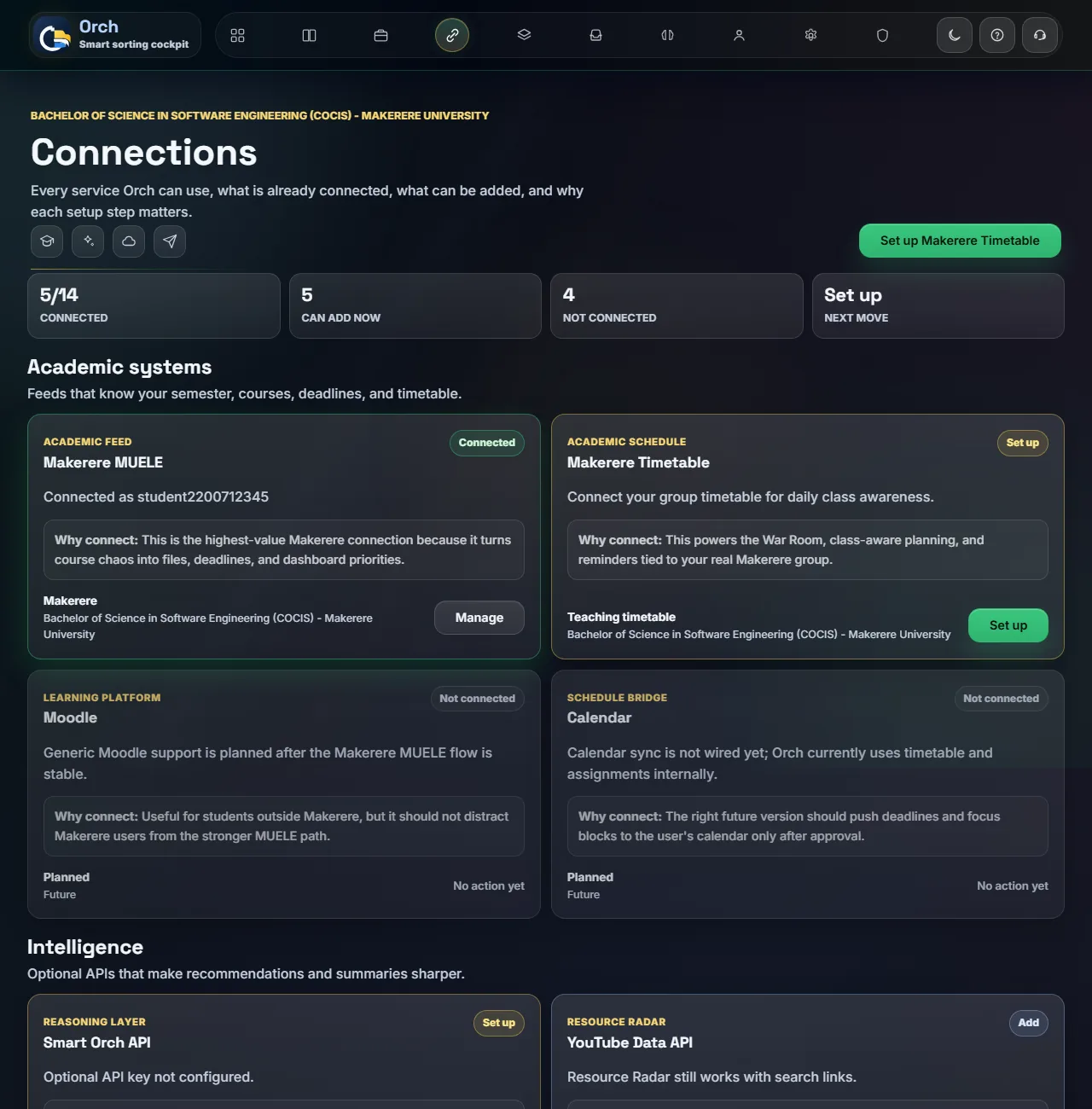
Makerere University details become useful folders, dates, and study context
Orch is not just listing Makerere University names. It uses those details to make everyday work less scattered.
Course files know where to go
A file with a course code or a familiar course name can be placed with the right unit instead of disappearing into Downloads.
MUELE work stays visible
Course materials and assignment dates from MUELE can sit beside your own notes, past papers, and submitted work.
Timetable groups matter
Makerere University timetables often depend on the exact group or stream. Orch asks for that so reminders are based on your real classes, not a guess.
Missing details do not block you
If your programme, unit, or timetable detail is not there yet, you can add it manually and keep organizing your semester.
Exams and revision get context
When files are tied to course units, Orch can help with review lists, topic pages, past paper review, and study planning.
It still works beyond Makerere University
Makerere University support is a guided path. You can still use Orch for other school work, online courses, research, or projects.
Orch is ready to be looked at by people who know the university workflow.
Orch is an independent tool built to make student file organization easier. If someone from Makerere University, a college, a school, MUELE support, or a timetable team wants to review how it works, suggest corrections, or discuss student support, the support form is open.
Use Makerere University setup if it matches how you study.
Pick your course units, connect MUELE if you want, and choose your timetable group when you know it. Orch will keep the semester easier to search and review from there.
- Choose Makerere UniversityUse the guided setup for college, school, programme, and semester.
- Add your unitsPick the course units you are taking, or type a missing one yourself.
- Connect what helpsAdd MUELE or timetable details when you want files, dates, and classes closer together.